

you’re like most busy professionals or freelancers, tax season feels like a race against time.
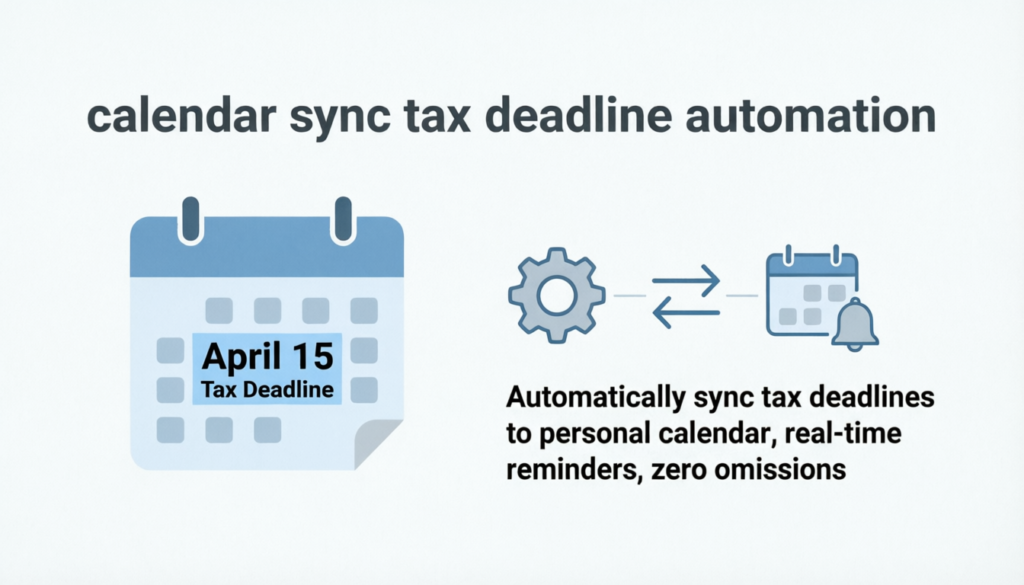
Between client deadlines, invoices, and quarterly payments, one missed reminder can trigger costly penalties. But imagine a system that quietly tracks every date, sends alerts before due dates, and syncs with your daily calendar. That’s the power of calendar sync tax deadline automation — a smarter way to stay organised and stress-free during tax season.
At Next Source AI, we help individuals and businesses use automation tools to simplify complex workflows — and few tasks are as complex (or dreaded) as managing federal and state tax deadlines.
The Problem with Manual Tax Tracking
Traditional tax tracking methods rely on spreadsheets, sticky notes, or outdated reminder apps. They’re easy to forget and rarely account for updates in tax laws or shifting deadlines. Many freelancers and small business owners make the same mistake: assuming they’ll “remember” the next quarterly payment or filing date.
Take the example of Claire, a freelance designer from Texas. She managed her taxes manually, using a physical planner to record every due date. When she travelled for work in April, she missed a crucial state filing by three days and was hit with late penalties. The oversight wasn’t due to negligence — it was simply human error.
That experience drove her to explore calendar sync tax deadline automation, integrating her tax deadlines directly into Google Calendar with smart reminders. Today, she receives alerts two weeks before each filing and again two days before payment. No missed deadlines. No stress.
Why You Need Calendar Sync and Automation
Federal and state tax schedules vary widely. Quarterly estimated payments, W-2 submissions, annual filings, and 1099 reporting all come with their own timelines. Missing one can lead to penalties or even audits.
Automated tax reminders eliminate this risk. They integrate directly with your existing calendar — Google, Outlook, or iCal — and update automatically when tax agencies modify dates. These systems don’t just remind you; they adapt as regulations change, ensuring you stay compliant without lifting a finger.
For instance, federal deadlines like April 15th rarely change, but state tax offices occasionally adjust schedules based on legislative shifts or public holidays. An automated system immediately reflects those changes and alerts you accordingly.
How Calendar Sync Tax Deadline Automation Works
Let’s break down how calendar sync tax deadline automation functions in practical terms:
Integration – You connect your tax management platform or automation tool with your preferred calendar (Google, Outlook, or Apple Calendar).
Synchronisation – The system automatically imports all relevant federal and state tax deadlines.
Automation – Smart notifications are set to remind you days or weeks in advance. You can customise how and when these reminders appear — via email, SMS, or pop-up alerts.
Updates – Whenever tax authorities update a filing date or introduce new requirements, your synced calendar updates instantly.
Take a real example:
David, a small business owner in California, uses a cloud-based bookkeeping tool integrated with his calendar. The tool syncs every federal and state due date — from sales tax filings to estimated income payments. When California adjusted its Q2 filing deadline, the system updated automatically and notified David instantly. He didn’t have to lift a finger, NextSouseAI, yet stayed perfectly compliant.
Benefits of Automating Your Tax Calendar
Automation is not just about convenience; it’s about accuracy, peace of mind, and better time management. When you automate your tax schedule, you:
Eliminate human error by syncing directly with official tax sources.
Save hours otherwise spent checking IRS or state portals.
Stay compliant without micromanaging every update.
Boost productivity by reducing administrative load.
Improve financial planning through predictable, timely payments.
Let’s consider another example:
Sarah, a freelance marketer managing clients across three states, used to dread quarterly tax filings. She adopted tax calendar integration through Next Source AI’s automation toolkit, syncing her deadlines to both her phone and laptop. Now, she receives smart alerts tied to each state’s payment schedule. Instead of rushing to meet multiple due dates, she’s proactively organised — and stress-free.
Overcoming Common Tax Deadline Challenges
Even with the best intentions, freelancers and small businesses encounter recurring tax challenges — inconsistent schedules, lost paperwork, and confusing jurisdictional rules. Automation helps address each of these pain points directly.
Challenge 1: Conflicting Deadlines
When multiple states have overlapping tax periods, it’s easy to mix them up. With automation, each state’s deadlines are labelled distinctly in your synced calendar, ensuring clarity.
Challenge 2: Missed Quarterly Payments
Quarterly filings sneak up fast. Automated alerts remind you several times before due dates, giving you enough time to prepare your payments.
Challenge 3: Document Disorganisation
Many automation tools allow attachments or cloud links, so your tax forms, NextSouseAI, receipts, and confirmations live directly inside the calendar event. This keeps everything in one place — deadlines and documents together.
Challenge 4: Changes in Tax Law
Federal or state governments occasionally adjust filing dates due to holidays or emergencies. Automation ensures you receive updated reminders without needing to monitor news bulletins.
Real-World Examples of Automation Success
Automation isn’t just a luxury — it’s a proven productivity booster. For example, a tech consultancy in New York adopted calendar sync tax deadline automation through a Next Source AI integration. Their finance team no longer manually tracked dozens of state filings across departments. Instead, every employee with tax responsibilities receives synchronised reminders, ensuring collective compliance.
Another example is freelance photographer Jenna, who operates in multiple states for clients. She uses an automation workflow that links her Google Calendar, IRS portal, and invoicing system. Whenever she logs a new project, the system predicts her estimated tax impact and updates her next payment reminder accordingly. Jenna doesn’t just meet deadlines — she anticipates them.
Choosing the Right Automation Tool
Not all automation systems are created equal. When choosing a tax calendar integration tool, consider the following:
Compatibility with your current calendar apps.
Automatic updates from both federal and state agencies.
Customizable alerts that match your workflow.
Secure data encryption to protect sensitive financial information.
Ease of integration with bookkeeping or accounting platforms.
At Next Source AI, we help clients select, configure, and maintain automation systems tailored to their specific business needs. Our team ensures every tax deadline — whether federal, state, or quarterly — stays synced, accurate, and automated. You’ll never need to worry about missing an alert again.
Steps to Get Started
Getting started with calendar sync tax deadline automation takes only a few steps:
Identify your primary tax obligations (federal, state, and local).
Choose a platform that supports calendar integration.
Connect your automation tool with your calendar of choice.
Set notification preferences (e.g., one week and one day before each due date).
Test the system with upcoming deadlines to confirm accuracy.
Once set up, the process runs on autopilot. The key is consistency — and automation ensures that consistency happens without manual intervention.
Summary
Managing taxes doesn’t have to be complicated. With calendar sync tax deadline automation, you can align technology with compliance. By syncing your calendar with reliable automation tools, you stay informed, organised, and stress-free, no matter how complex your federal and state obligations become.
Whether you’re a freelancer, startup, or enterprise, adopting this approach saves time, minimises risk, and ensures precision. Don’t let deadlines control your business — automate them instead.
Call to action
For expert help with your taxes, contact Next Source AI today at hello@nextsourceai.com or call 0313 500 0996.
FAQs
It’s a system that integrates your federal and state tax deadlines directly into your digital calendar. Automated reminders ensure you receive alerts before every filing or payment date, eliminating the risk of missed deadlines.
Yes. Advanced systems automatically import and update both federal and state deadlines. They also adjust when government agencies change filing schedules, keeping your data accurate year-round.
Not necessarily. Most tax calendar tools are user-friendly and integrate with existing software like Google or Outlook. Next Source AI helps configure and optimise these tools for freelancers and businesses.
Modern automation platforms use encryption and secure APIs. They don’t store sensitive financial information but only sync deadline data and reminders. Always choose trusted providers like those recommended by Next Source AI.
They prevent missed filings, reduce stress, improve organisation, and ensure compliance with federal and state requirements. Most importantly, they let you focus on your core work while automation handles the rest.
Lorem ipsum dolor sit amet, consectetur adipiscing elit. Ut elit tellus, luctus nec ullamcorper mattis, pulvinar dapibus leo.
