Customer Complaint Resolution Automation: Turning Complaints Into Retention
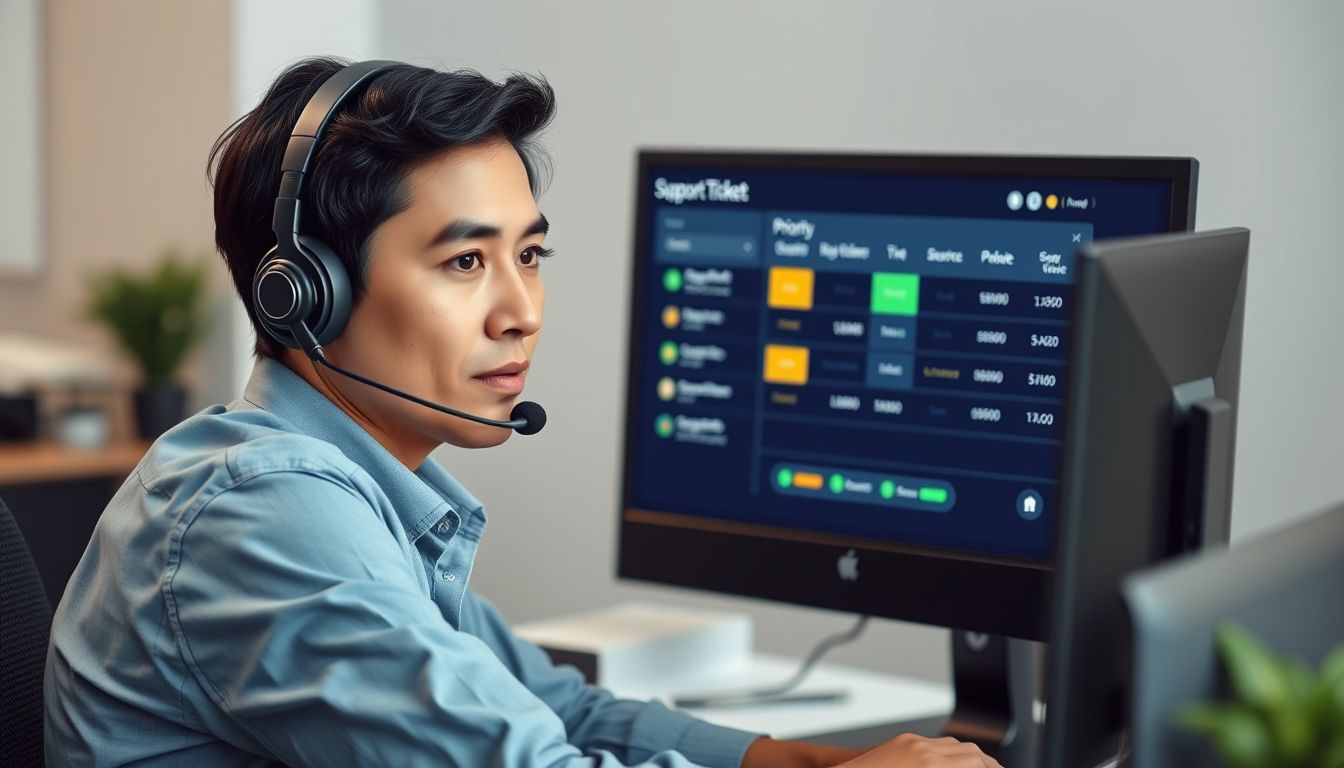
Customer complaint resolution automation is a workflow that automatically captures a complaint when it comes in, routes it to the right person based on type and severity, tracks it until it's closed, and flags anything that's gone quiet too long — instead of complaints sitting in a shared inbox hoping someone notices. For most small businesses, the problem isn't a lack of care when a complaint is seen. It's that complaints arrive through too many channels (email, phone, chat, social, reviews) for anyone to reliably see all of them, and the ones that slip through are exactly the ones most likely to turn into a lost customer.
This guide covers what a complaint resolution workflow should actually automate, where it shouldn't, and how to set one up without losing the human judgment that complicated complaints need.
Why Complaint Handling Is Worth Automating Specifically
Complaint resolution sits at an unusual intersection: it's high-stakes (a mishandled complaint can end a relationship) but also highly repetitive in its mechanics — intake, categorization, routing, follow-up, closure. That combination makes it a good automation candidate as long as the automation handles the mechanics and leaves the judgment calls to a person.
The retention stakes are real, even if the exact numbers vary by source. A frequently cited (though decades-old) Aberdeen Group analysis found that even a 5% increase in customer retention can lift profit substantially, and more recent industry roundups report that a large majority of customers say they feel more loyal to a business after a complaint is resolved well — treat the specific percentages as directional, since most of the current figures circulating come from vendor-published surveys rather than independent studies (Kodif). Separately, one industry analysis found that while AI-assisted support tools now see adoption above 85% among the businesses surveyed, true first-contact self-service resolution remains in the mid-teens percentage-wise — a useful reminder that adopting a tool and actually resolving complaints faster aren't the same thing (Aissist).
What to Automate in a Complaint Workflow
A workable automated workflow typically handles:
- Intake and logging. Every complaint — regardless of channel — lands in one tracked system instead of scattered inboxes, with a timestamp and source.
- Categorization and routing. Rules (or a model trained on your own complaint history) sort complaints by type and severity, and route each to the person or team who should own it — billing issues to one queue, service failures to another.
- SLA tracking and escalation. If a complaint hasn't been touched within your target window, it escalates automatically rather than quietly aging in someone's inbox.
- Status updates to the customer. An automatic acknowledgment and periodic status update costs nothing and measurably reduces the frustration of feeling ignored, independent of how fast the underlying fix is.
- Closure and feedback loop. Once resolved, a short automated follow-up confirms the fix held and feeds the outcome back into your customer feedback automation process.
Where Automation Should Stop
The judgment calls — whether to offer a refund versus a credit, how to handle a customer who's genuinely upset, what counts as a reasonable exception to policy — should stay with a person, not a rule engine. Robylon's review of AI-assisted support tools found auto-resolution rates in the 50–70% range when systems are well-integrated with live business data, but other industry benchmarks put overall AI resolution closer to 30% once you exclude cases where a customer simply gives up rather than being truly resolved (Robylon; Ringly). The wide spread between these figures is itself the lesson: treat any vendor's resolution-rate claim as a starting point to verify against your own data, not a guarantee.
A safe default is to automate routing, tracking, and status communication fully, and require human sign-off on anything involving money, a policy exception, or a customer who has complained more than once. This is the same human-in-the-loop principle covered in our guide to AI quality assurance for customer support — automation should remove the busywork around a decision, not make the decision itself when it's a judgment call.
Setting One Up Without Overbuilding
- Audit where complaints actually arrive today. Most small businesses are surprised how many channels feed into complaint volume once they count social mentions and reviews alongside email and phone.
- Define severity tiers and routing rules before picking a tool. A platform can't route correctly if you haven't defined what "urgent" means for your business.
- Start with tracking and escalation, not resolution. Getting every complaint logged and escalated on time is most of the value; automated resolution for simple cases can come after the tracking layer is solid.
- Review resolved complaints as a group monthly. Patterns in what's going wrong are often more valuable than the individual resolutions — and they feed directly into fixing the upstream process, not just handling its symptoms.
Metrics That Actually Tell You It's Working
A complaint resolution workflow is easy to set up and easy to let quietly decay once the initial build excitement fades. A small set of metrics, reviewed monthly rather than left to dashboard rot, keeps it honest:
- Time to first response, not time to resolution — customers judge whether they've been heard long before the issue is actually fixed, and this number is almost entirely under your control once intake is automated.
- SLA breach rate: what percentage of complaints miss your target response or resolution window before escalating. A rising breach rate usually means volume has outgrown your routing rules, not that staff have gotten slower.
- Reopen rate: how often a "resolved" complaint comes back. A high reopen rate is a strong signal that resolutions are being closed for the metric rather than the customer.
- Channel coverage: whether complaints from every channel (reviews, social mentions, chat, phone) are actually flowing into the same tracked system, or whether one channel is still being handled informally outside it.
Choosing a Tool Without Overbuilding
Most small businesses already own a help desk or CRM platform capable of handling intake, routing, and SLA tracking — the fix is usually configuration, not a new purchase. Reach for a dedicated complaint-management tool only once you have enough volume or regulatory requirement (certain financial services and healthcare complaint handling carries specific record-keeping obligations) that a general-purpose help desk can't track what you need. Before buying anything, map your actual complaint volume by channel and severity for a month — it's common to discover the real bottleneck is a single channel nobody's routing consistently, which configuration alone can fix.
Common questions
Does automating complaint resolution make responses feel impersonal? Not if it's scoped correctly. Automation should handle logging, routing, SLA tracking, and status updates — the parts that are invisible to the customer when done right and painfully obvious when missed. The actual resolution and any judgment calls should still come from a person, which is what keeps the response personal where it matters.
What's the single biggest win from automating this process? Making sure no complaint silently ages in an inbox. The complaints that do the most damage to retention are usually not the ones handled badly — they're the ones nobody got back to in time. Automatic escalation on a missed SLA closes that gap with very little build effort.
Should AI respond directly to complaints? For acknowledgments and status updates, yes — a fast automatic response reduces frustration regardless of how quickly the real fix happens. For the substantive resolution (refunds, exceptions, emotionally charged complaints), keep a person in the loop; resolution-rate claims for fully automated handling vary widely across sources and are worth verifying against your own results before relying on them.
How is this different from general customer feedback automation? Customer feedback automation is mostly about collecting and acting on reviews and survey input at scale. Complaint resolution automation is narrower and more time-sensitive — it's specifically about making sure an individual complaint gets tracked, routed, and closed before the customer gives up on hearing back.
Not sure how many complaints are slipping through your current channels? Start an audit and we'll map where they're getting lost before recommending a fix.
Ready to fix the systems behind your growth?
Start with an audit — problem first, solution second, tool third.
Start an Audit